Frontend
Frontend code runs in the browser. HTML creates structure, CSS controls presentation and JavaScript adds interaction. React and similar tools help teams build reusable interface components.
A practical map of the layers that make a modern web application work.
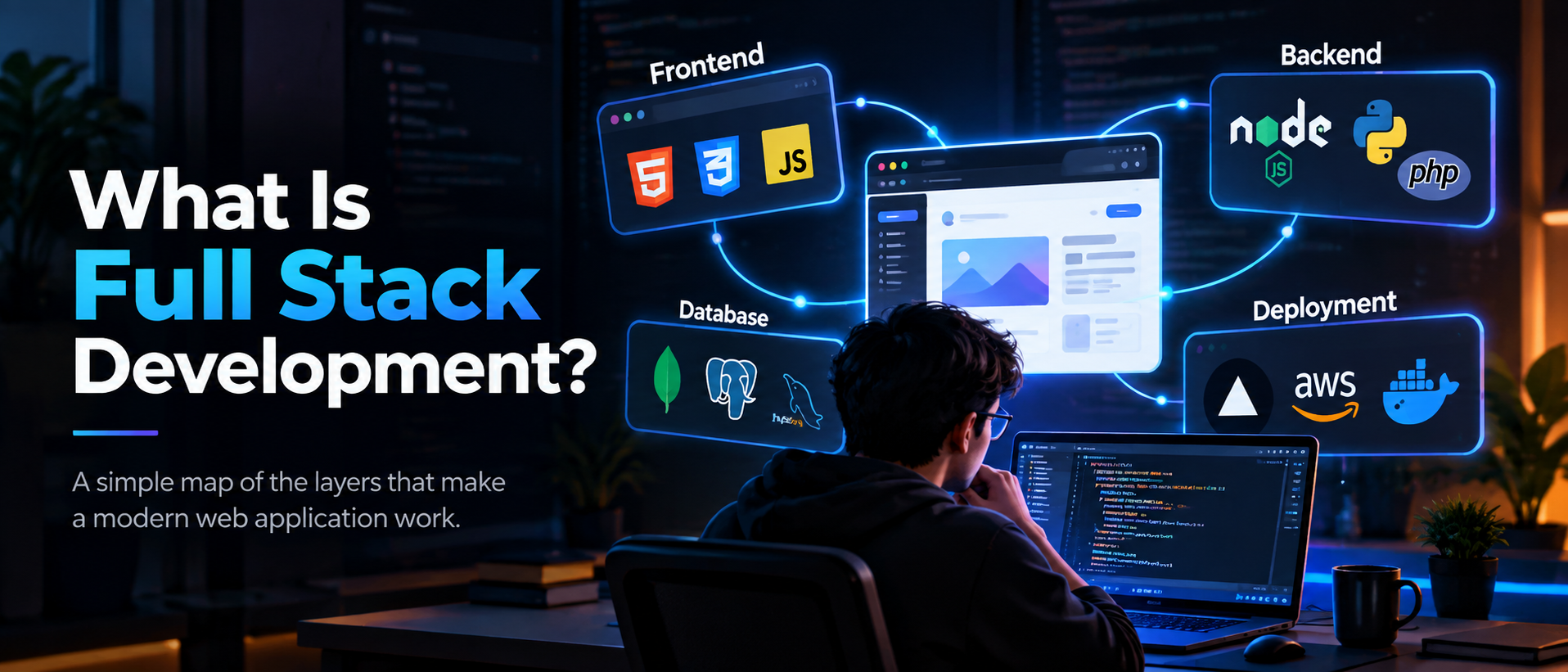
Full stack development means building across the main parts of a web product. The frontend is what people see and use in the browser. The backend runs on a server, applies business rules and exposes data through APIs. A database stores information, while deployment makes the application available online.
Think of a booking app. The browser shows available dates, the API checks availability, the database stores reservations and the deployment platform keeps each service reachable. A full stack developer understands this complete request path and can make each layer work together.
Frontend code runs in the browser. HTML creates structure, CSS controls presentation and JavaScript adds interaction. React and similar tools help teams build reusable interface components.
Backend code runs on a server. Node.js, Python and Go can receive requests, validate input, apply business rules, call services and return useful responses.
A database is the durable memory of an application. SQL systems organize related records in tables, while document systems store flexible JSON-like records.
Deployment packages the code, configuration and assets so real users can reach them. It includes hosting, domains, HTTPS, environment variables, logs and reliable releases.
A user submits a form in the browser. The frontend sends an HTTP request to an API endpoint, the backend authenticates the user and validates the fields, then a database query reads or writes the record. The backend returns a status and JSON response, and the frontend turns that response into a loading, success or error state.
This request lifecycle is the most useful mental model for a beginner. When a feature breaks, follow the same path: inspect the browser request, check the API response, read the server log and confirm the database state.
Learn semantic HTML, modern CSS and JavaScript first. Then build a small API with Node.js, Python or Go, connect it to PostgreSQL or MongoDB and deploy a simple version. Keep each feature small enough to trace from a button click to a saved record.
Understanding the complete path helps you make better decisions. You can design a useful interface, choose a clear API shape, store data safely and ship a working product. You do not need to master every tool at once. Start with one small feature and follow it from the browser to the database and back.
Many first projects mix database credentials into frontend code, skip server-side validation or return a different JSON shape from every route. Keep secrets on the server, validate at the API boundary and document a small response contract. Consistency makes every later feature easier.