Client
The browser or app that sends a request and renders the response for a person.
The browser and the server have different jobs, but they work as one product experience.
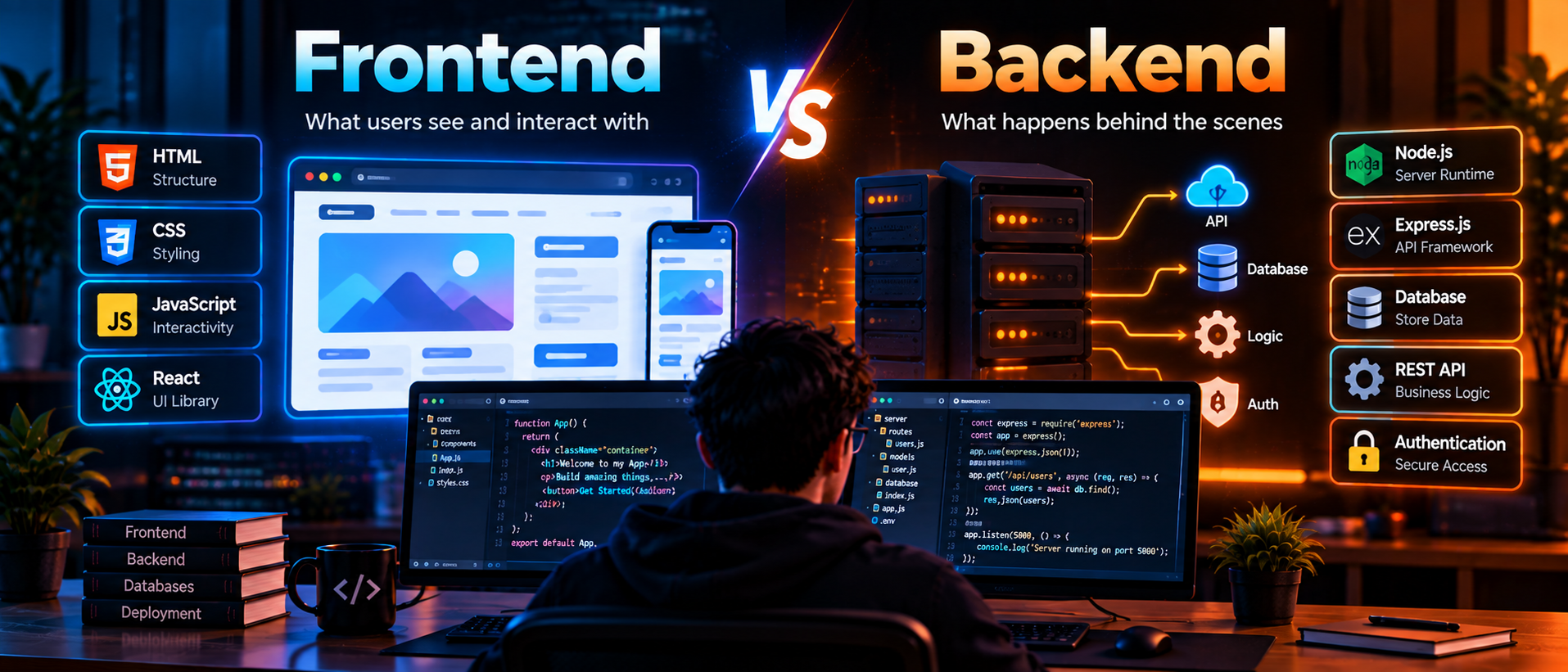
The frontend is the client side of an application: the code downloaded to a browser or mobile device. The backend is the server side: code that protects rules, talks to data stores and responds to requests. Together they form the client-server model used by most modern web apps.
Frontend code displays content, handles clicks and forms, manages loading states and communicates with APIs. HTML, CSS and JavaScript are the foundation; React can organize a larger interface into reusable components.
A good frontend also handles the moments between actions: loading, empty results, validation errors and slow connections. Accessibility, responsive layout, keyboard support and clear feedback are part of the engineering work.
Backend code runs on a server. It authenticates users, validates requests, applies business rules and talks to databases or external services. A backend should return predictable responses and useful error messages.
The backend is also the security boundary. Browser code can be inspected by anyone, so authorization checks, private keys and database credentials belong on the server. A frontend may hide an edit button, but the backend must still verify permission when a request arrives.
The browser or app that sends a request and renders the response for a person.
A process that receives requests, runs trusted business logic and returns data or a result.
A documented agreement describing URLs, input fields, authentication, response shapes and errors.
A frontend sends an HTTP request to an API endpoint. The backend checks the request, reads or changes data and returns JSON. The frontend then updates the page. Clear contracts between these layers make a project easier to test and maintain.
POST /api/tasks
Content-Type: application/json

{"title":"Read API guide"}
The same request can result in a 201 Created response when it succeeds or a helpful 400 Bad Request response when validation fails. The interface should explain either result without exposing internal details.
Full stack work connects both responsibilities. A developer can trace a form from its input fields through validation and database storage to the response shown on screen. That shared understanding makes collaboration easier, even when a team specializes by layer.