Build
A repeatable step that turns source code into optimized browser assets or a runnable server package.
A calm checklist for moving from a local project to a reliable live application.
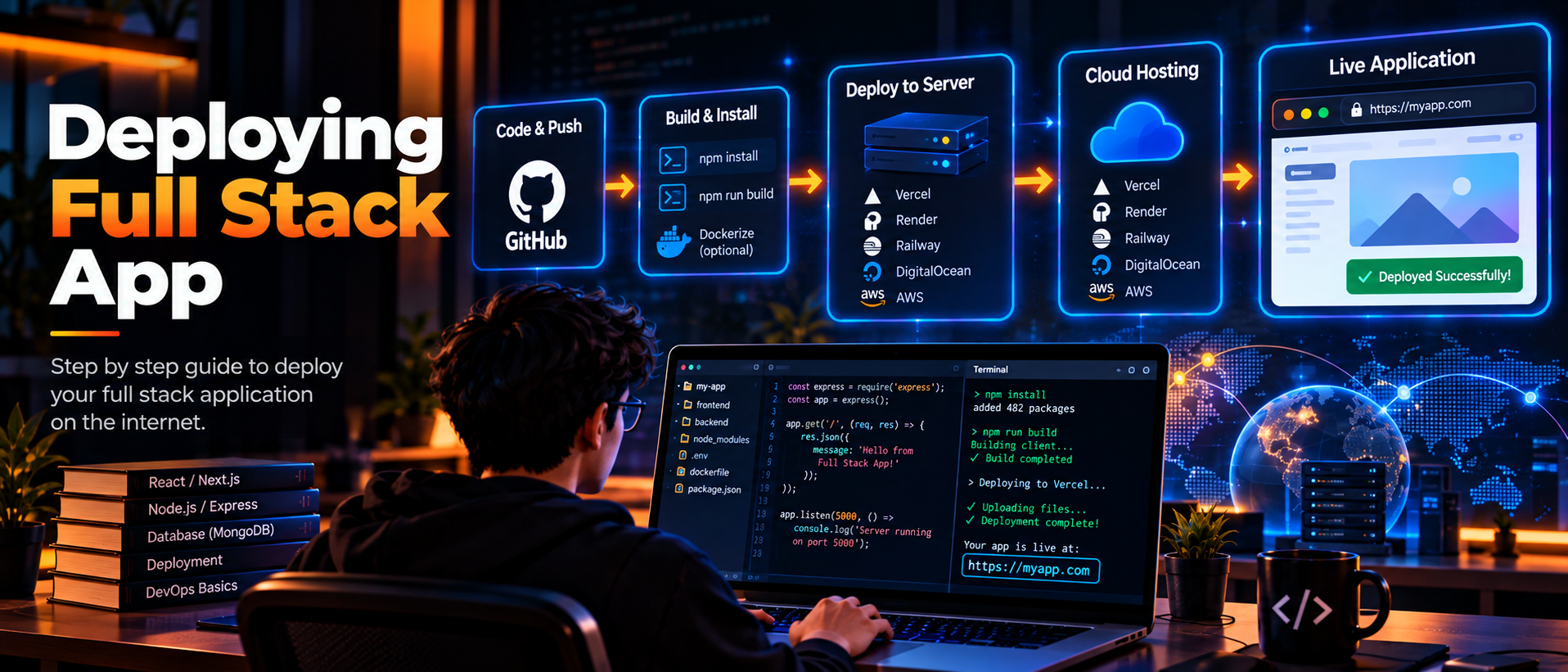
Deployment is the process of building, hosting and configuring software so real people can use it. It is more than uploading files: a full stack release also connects the frontend, backend, database, domain, HTTPS certificate and monitoring.
Keep deployment repeatable. A script or continuous integration workflow should build the same commit the team reviewed, run checks and record which version is live.
A repeatable step that turns source code into optimized browser assets or a runnable server package.
The service that runs the frontend, backend or database and provides network access to it.
Configuration supplied at runtime, such as an API URL or database connection string, rather than committed in code.
Automation that tests, builds and releases changes consistently after a commit.
Keep database URLs, API keys and session secrets in environment variables. Add a safe example file for teammates, but never commit production secrets to the repository. Use separate values for local, staging and production systems.
Run the same build and validation steps in a clean environment that your deployment service uses. Deploy the frontend and backend with the correct start commands, domains and database migrations.
Check allowed origins and HTTPS before the frontend calls the API. If a schema migration is needed, make it backward compatible when possible so old and new server instances can run during a rolling release.
Check the health of the API, inspect logs and test the main user journey after every release. Add backups, HTTPS and a rollback path before real users depend on the service.
Start with a small staging release, verify CORS and environment variables, then monitor real errors after launch. A clear release checklist lets you improve the product without guessing which layer failed.